Magento 1 EOL: Security Risks Ahead

Expert Magento 1 to
Magento 2 Migration Service

Secure, zero-downtime migration from Magento 1.x to the latest Magento 2.4.8. We are the trusted agency for seamless replatforming. 2.4.8. We handle everything: Data, Theme, Extensions, and SEO preservation with a Zero Data Loss SLA.

99.99%
Uptime SLA
Zero
Data Loss
30 Days
Post-Support

Why Migrate from Magento 1 to Magento 2?

It's not just an update; it's a complete platform overhaul. Remaining on M1 puts your business at severe security and performance risk.

Avoid Security Breaches

Magento 1 reached End of Life (EOL) in June 2020. No more patches mean you are vulnerable to credit card skimming and hacks.

50% Faster Performance

M2 supports PHP 8.x, Varnish caching, and full page caching out of the box, drastically improving load times and conversions.

Mobile-First Architecture

With native PWA support and responsive checkout, Magento 2 is built for the modern mobile shopper.

Migration Cost Estimator

Get a rough estimate for your project based on your specific version and design needs.

Estimated Investment
$4,500*

*Rough estimate. Detailed audit required.

Get Exact Quote
Migration Fee: $0
Designing Fee: $0
Development Fee: $0
* Note: 3rd Party Extensions & Customizations will be charged extra.

Magento 1 vs Magento 2.4.8

Feature Magento 1 (Any Version) Magento 2.4.8 (Latest)
Technology Stack PHP 5.6/7, Zend Framework 1 PHP 8.3, Symfony, Composer, HTML5
Database Performance Single database master Split databases (Checkout, Orders, Product)
Search Engine MySQL Search (Slow) Elasticsearch / OpenSearch (Instant)
Admin Panel Cluttered, not responsive Touch-friendly, drag & drop, clean

Our Proven Migration Roadmap

We follow a strict protocol to ensure your "Magento 1 to Magento 2 data migration" is flawless and secure.

1

Discovery & Audit

We analyze your current Magento 1 store version, extensions, and custom code to build a detailed migration plan.

2

Theme & UX Design

M1 themes are incompatible. We rebuild your storefront using modern Hyvä themes or PWA for blazing speed.

3

Data Migration

Secure transfer of Products, Customers, and Orders using the official Magento 2 Data Migration Tool + manual verification.

Testing & Go-Live

Full QA testing, Delta migration for new orders, and DNS switch for a zero-downtime launch.

Recommended Tech Stack

Migrate to Magento 2 + Hyvä Theme

Standard Magento 2 ("Luma") can be heavy. We recommend migrating your M1 store directly to the Hyvä Theme for M2.

  • 90+ Mobile Score on Google PageSpeed
  • Less Code: Replaces requireJS with Alpine.js
  • Lower Dev Costs: Easier to maintain than Luma
Ask about our Hyvä Migration Package →
98/100
Core Web Vitals Score

How We Preserve Your SEO & Data

The biggest fear in migration is traffic loss. Here is our "No-Drop" strategy.

301 Redirect Mapping

Magento 2 URL structures differ from M1. We generate a comprehensive CSV map of every old URL to its new destination, ensuring Google passes 100% of link juice.

Delta Data Migration

We migrate data in two passes. First, the bulk data. Second, a "Delta" migration just minutes before go-live to catch any new orders placed during development.

Meta Data Retention

We programmatically transfer all meta titles, descriptions, and keywords. We also retain product reviews and ratings which are crucial for SEO CTR.

Image Optimization

While migrating media, we compress images and convert them to WebP, giving you an immediate SEO boost upon launch.

"How to Migrate Magento 1 to Magento 2 Myself?"

Thinking of doing it manually? Compare the workflow.

The DIY / Manual Way

  • Set up a fresh Magento 2 server (Composer, Elasticsearch, PHP).
  • Install the Magento 2 Data Migration Tool via CLI.
  • Configure map.xml files to match M1 database structure (Complex).
  • Run data verification tests manually.
  • Risk: M1 Themes do not work. You must code the M2 frontend from scratch.
  • Risk: Extensions don't transfer. You must buy/install new M2 versions.
  • Risk: High chance of SEO ranking drop if redirects fail.
High Risk • 3-6 Months Effort
RECOMMENDED

Hiring Experts (Us)

  • Turnkey solution: We handle Server, Code, and Data.
  • Certified Developers handle the map.xml logic.
  • We rebuild your theme using Hyvä or PWA standards.
  • Zero Downtime switch-over strategy.
  • Post-migration support & training included.
Guaranteed Success • 4-8 Weeks

Recent Magento 1 to Magento 2 Migration Success Stories
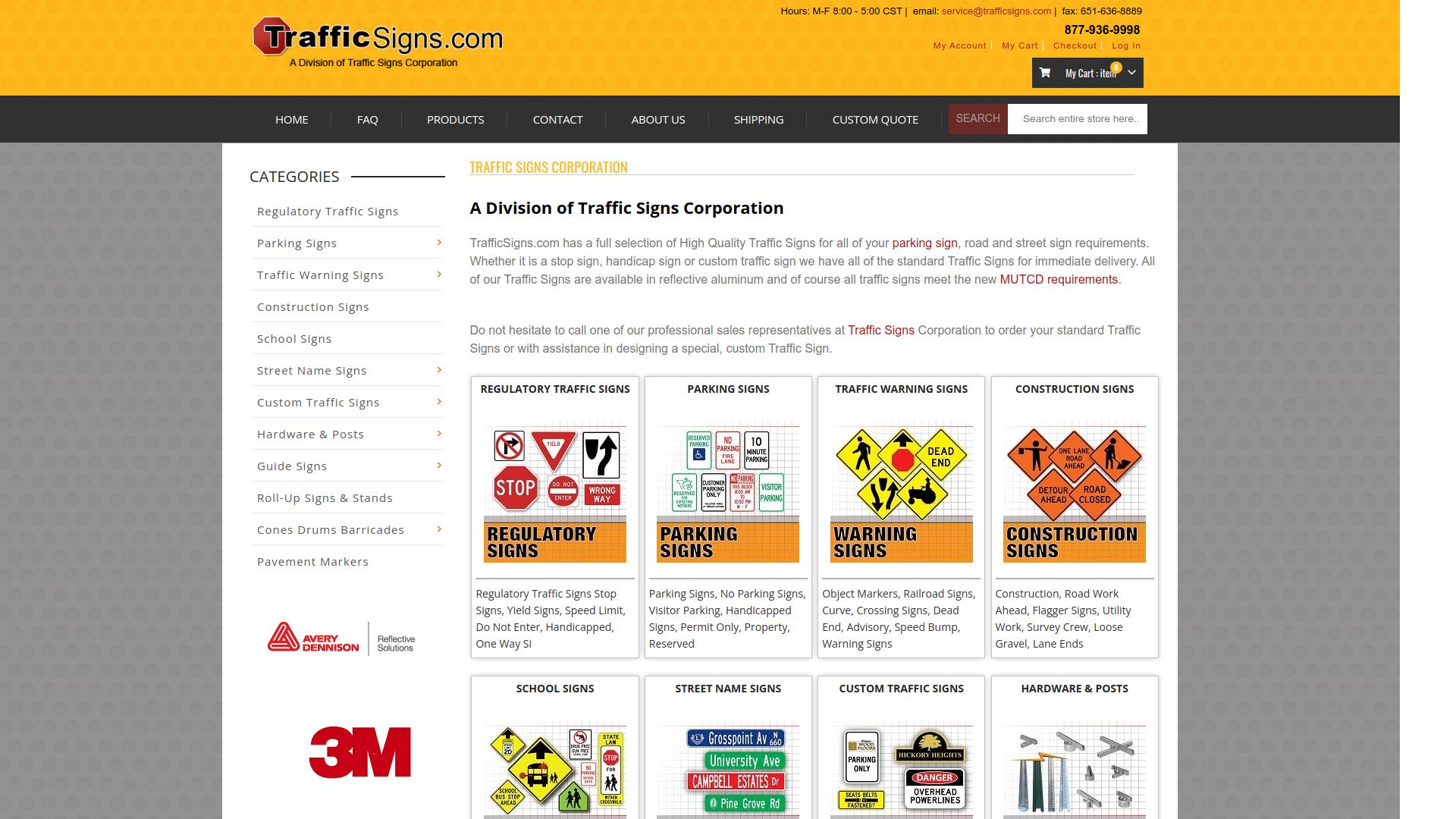
Magento 1 to Magento 2 migration for TrafficSigns.com

TrafficSigns.com – Large-Scale Catalog Migration

Successfully migrated 150,000+ SKUs and 30GB of catalog data from Magento 1 to Magento 2, delivering faster page loads and a more scalable ecommerce infrastructure.
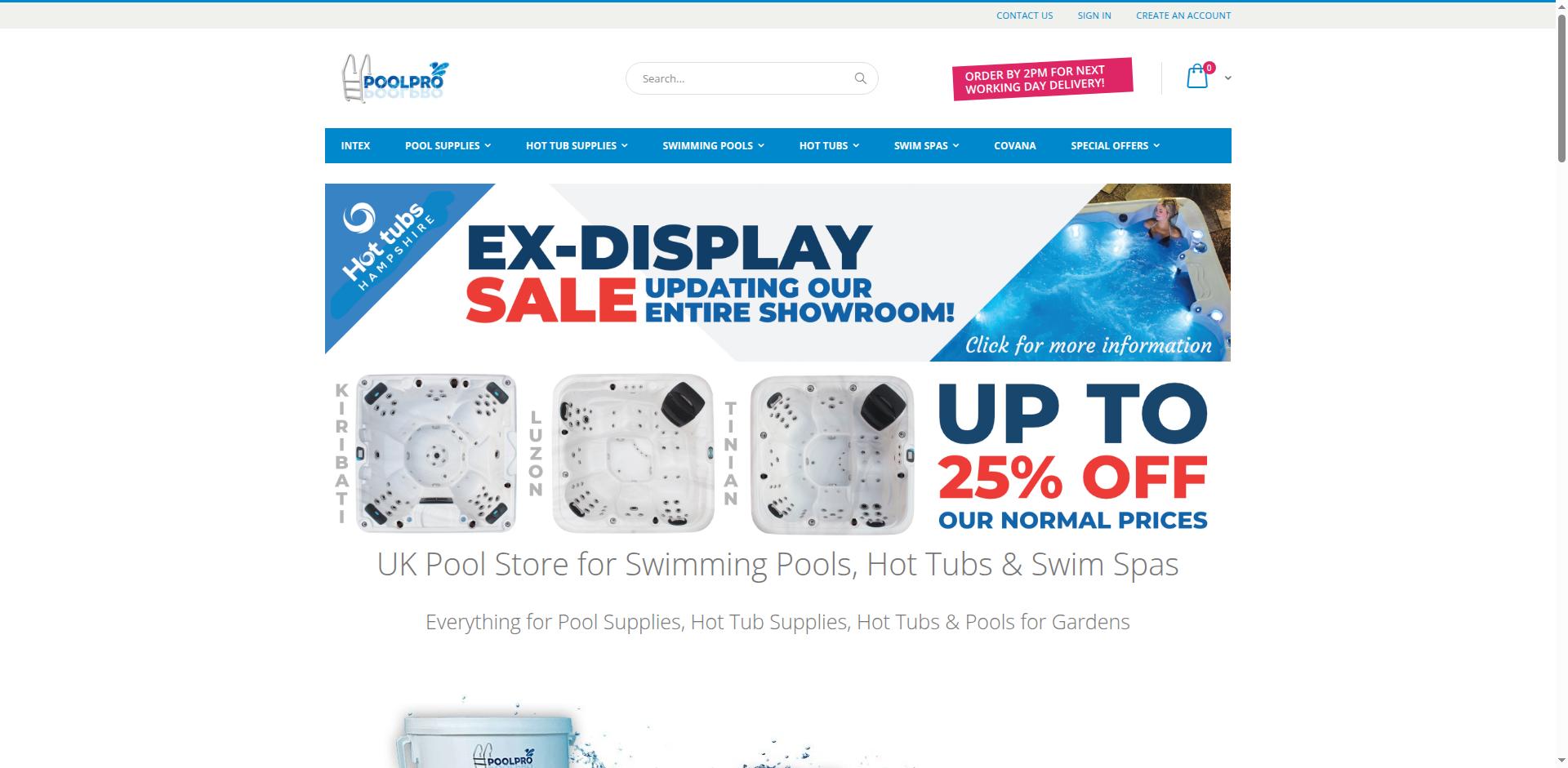
Magento 1 to Magento 2 migration for PoolPro.co.uk

PoolPro.co.uk – Ecommerce Modernization

Migrated PoolPro’s Magento 1 store to Magento 2 with a modern frontend, improved UX, and optimized checkout, resulting in significantly higher mobile engagement.

Magento 1 to Magento 2 migration for Little Cigar Warehouse

Little Cigar Warehouse – Complex Data Migration

Seamlessly migrated a high-traffic tobacco ecommerce store from Magento 1 to Magento 2 while preserving customer data, order history, and custom business logic.

Migration FAQs

Does the "Magento Migration Tool" do everything?
No. The official tool ONLY transfers data (customers, orders, products). It does not migrate your Theme (design) or your Extensions. Those must be rebuilt or re-installed manually on M2.
What is the cost of Magento 1 to Magento 2 migration?
Basic migrations start around $5,000. Custom designs and complex data sets can push this to $20,000 - $50,000. Use our calculator above for an estimate.
Can we keep our current design?
Not the code, but the look. M1 themes are not compatible with M2. We have to "re-skin" the M2 site to look like your old one, or use this opportunity to refresh the design.
Will I lose my SEO rankings?
Not if done correctly. We create a 301 redirect map for every single URL. If you DIY this and miss the redirects, yes, your rankings will drop.

Start Your Migration

Don't let M1 hold you back. Let's discuss your project.